
Apple Health
A calorie tracker that syncs with Apple Health
Connect BiteCheck to Apple Health to bring in active energy, weight, and workouts, and send every logged meal with its calories and macros back to Health.
What you can do
BiteCheck on iPhone connects to Apple Health. Once you allow access, it reads active energy, body weight, and workouts so your daily calorie balance reflects how much you moved, and it writes each logged meal—calories, protein, carbohydrates, and fat—to Health.
What syncs in each direction
Apple Health becomes the meeting point for your food diary and the rest of your health data. BiteCheck only reads and writes the types you allow.
- Active energy from Health → your daily calorie balance in BiteCheck
- Body weight from Health → weight trends and progress
- Workouts from Health → your activity for the day
- Meals logged in BiteCheck → dietary energy, protein, carbohydrates, and fat in Health
Updates without opening the app
New workouts and weight entries arrive as Health records them, and active energy updates through the day. A weigh-in on a connected smart scale or a run on Apple Watch shows up in BiteCheck without manual entry.
You stay in control
Connect Apple Health from your BiteCheck profile, switch individual data types on or off, and disconnect at any time. Access can also be changed in the Health app's own settings.
Apple Health sync is part of the BiteCheck iPhone app. On Android, BiteCheck imports the same kinds of data from Fitbit.
See BiteCheck in action
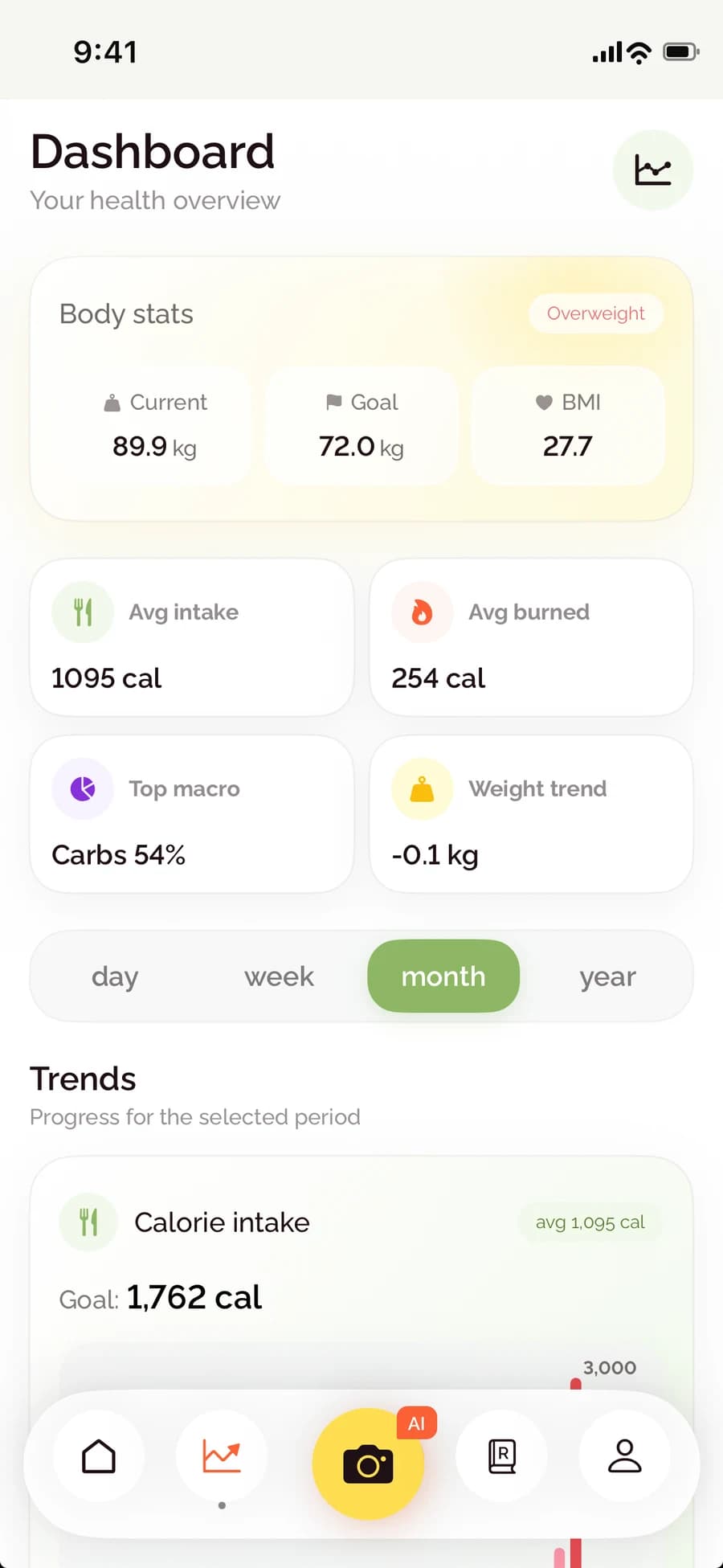
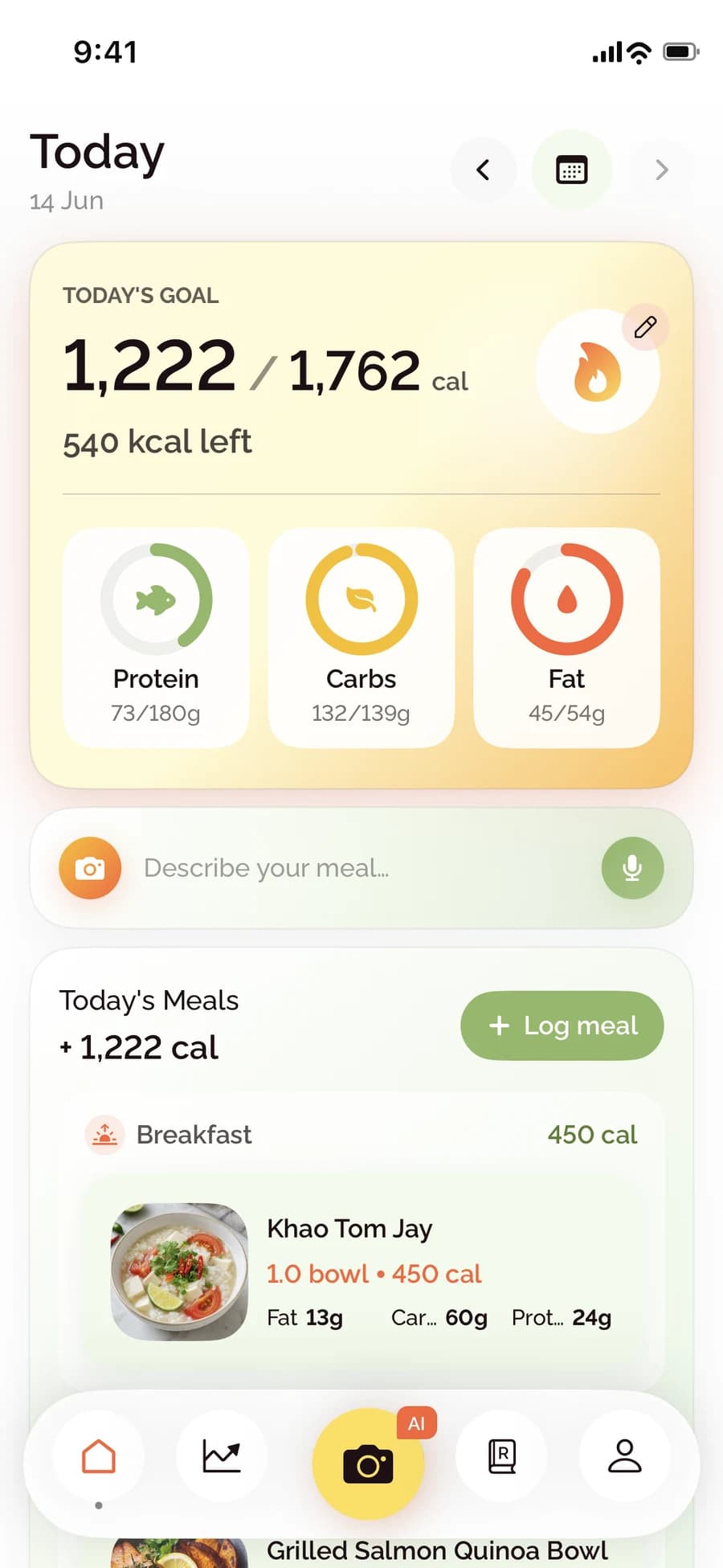
See how BiteCheck helps you capture a meal, check the nutrition details, and follow your progress.
Frequently asked questions
Does BiteCheck work with Apple Health?
Yes. The BiteCheck iPhone app connects to Apple Health to read active energy, body weight, and workouts and to write logged meals with calories, protein, carbohydrates, and fat.
Will my Apple Watch workouts change my calorie balance?
Yes. Active energy and workouts from Apple Health are counted in your daily balance, so the calories you burned are reflected next to the calories you ate.
Can I turn Apple Health syncing off?
Yes. You can switch individual data types off or disconnect Apple Health from your BiteCheck profile, and you can change access in the Health app at any time.
Keep exploring BiteCheck
See BiteCheck's features, plans, and supported devices, or learn how meal estimates work across photo, voice, text, chat, and barcode logging.