Fitbit
A calorie tracker that imports your Fitbit data
Connect Fitbit to BiteCheck on Android to bring in weight, active calories, and workouts next to the meals you log.
What you can do
BiteCheck for Android connects to Fitbit through your Google account. Once connected, it imports the weight, active calories, and workouts Fitbit syncs, so your calorie balance and weight trend reflect your day without manual entry.
What BiteCheck imports
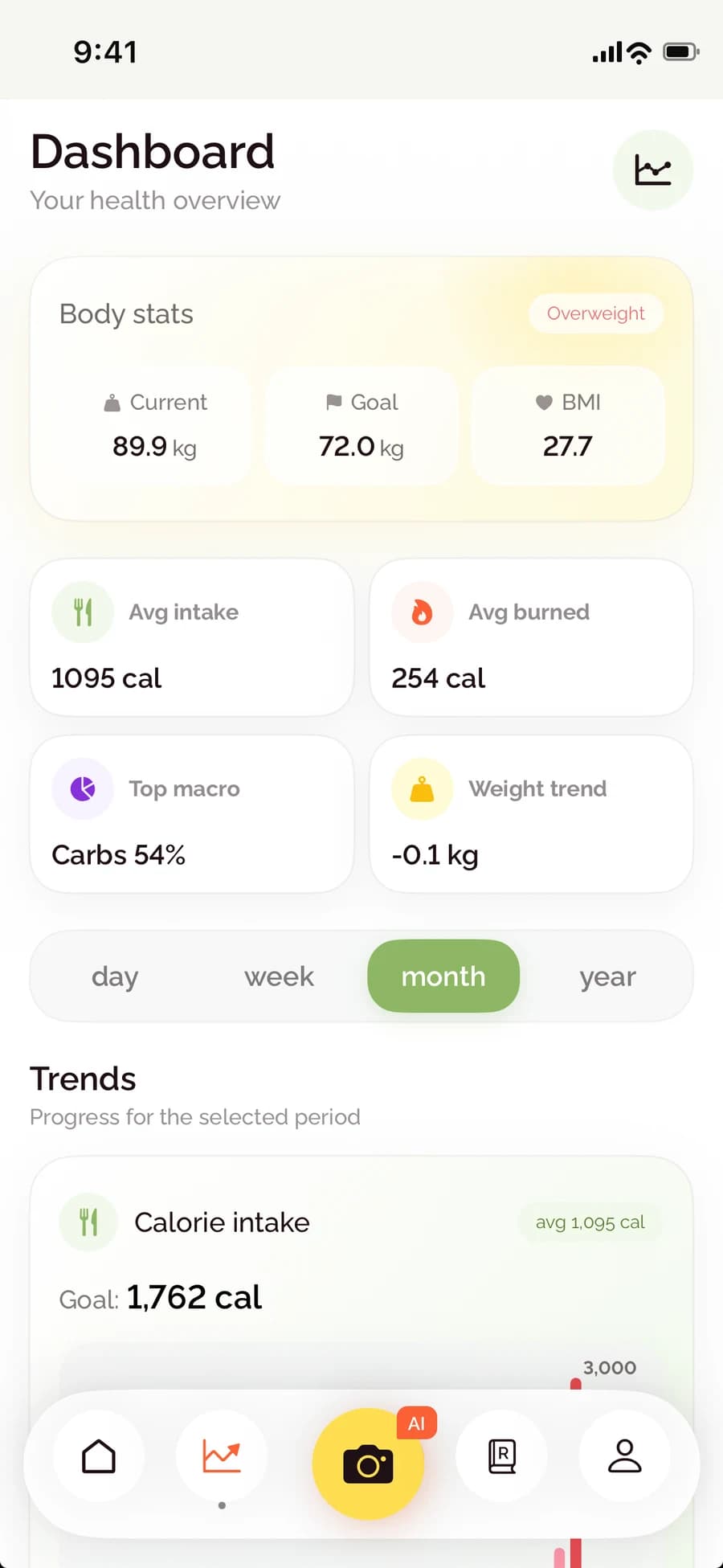
Fitbit data joins your food diary in BiteCheck, so the calories you burn sit next to the calories you eat.
- Weight → weight trends and progress
- Active calories → your daily calorie balance
- Workouts → your activity for the day
Connect, sync, or disconnect
Open your BiteCheck profile, choose Fitbit, and sign in with the Google account your Fitbit data syncs to. You can sync on demand, see when data was last synced, and disconnect at any time.
On iPhone
The iPhone app connects to Apple Health instead, reading active energy, weight, and workouts and writing your logged meals back to Health.
See BiteCheck in action
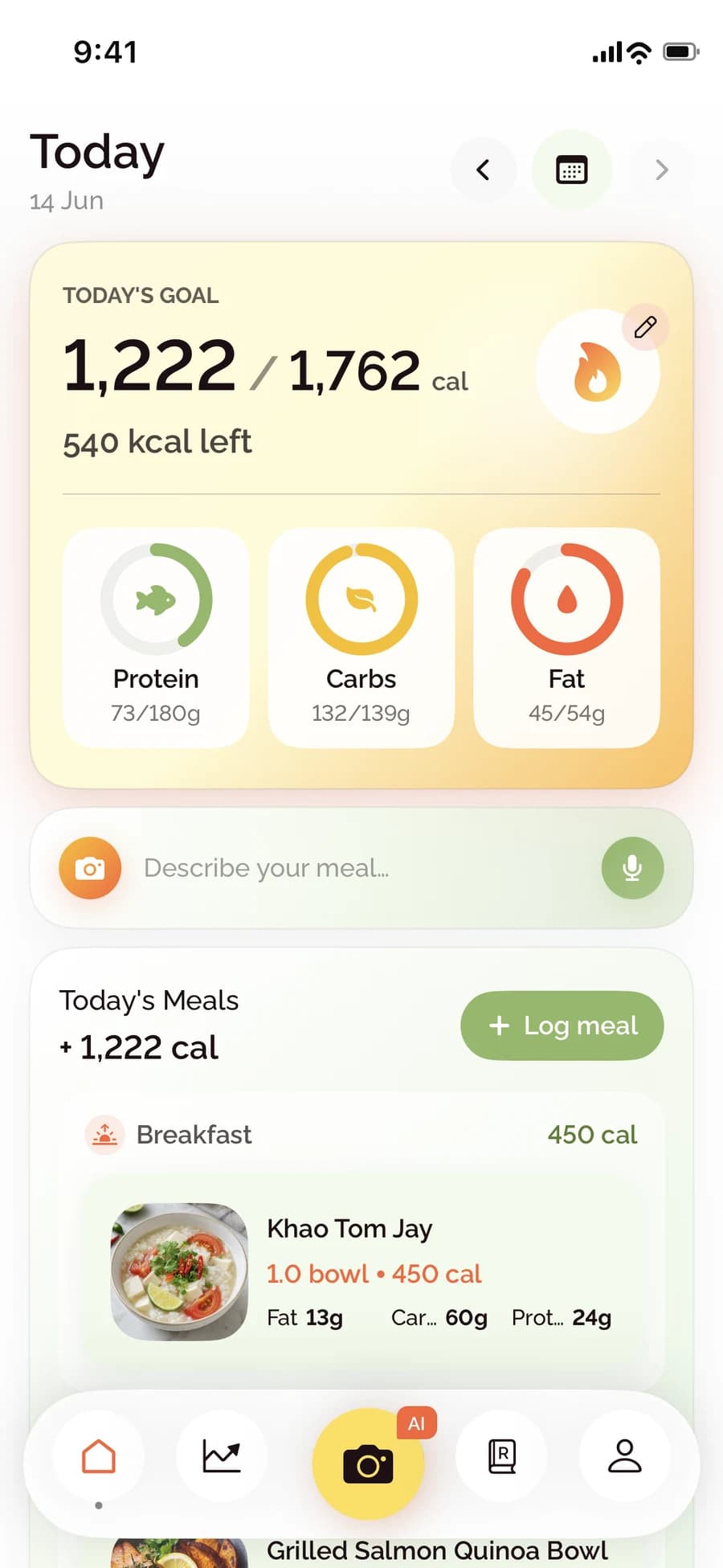
See how BiteCheck helps you capture a meal, check the nutrition details, and follow your progress.
Frequently asked questions
Does BiteCheck work with Fitbit?
Yes, on Android. BiteCheck imports weight, active calories, and workouts that Fitbit syncs to your Google account.
Can I disconnect Fitbit later?
Yes. Disconnect from the Fitbit setting in your BiteCheck profile at any time.
Keep exploring BiteCheck
See BiteCheck's features, plans, and supported devices, or learn how meal estimates work across photo, voice, text, chat, and barcode logging.